XUKIUM







Server management
Create, start, stop and monitor your Minecraft servers from a centralized interface. The Free plan includes 1 server; Plus, up to 6.
Xukium is a Windows desktop app that makes it simple to create, configure, run and manage Minecraft servers on your own computer, without editing files by hand.
Beta 0.1.0-beta · Windows 10/11 (64-bit) · Free plan available
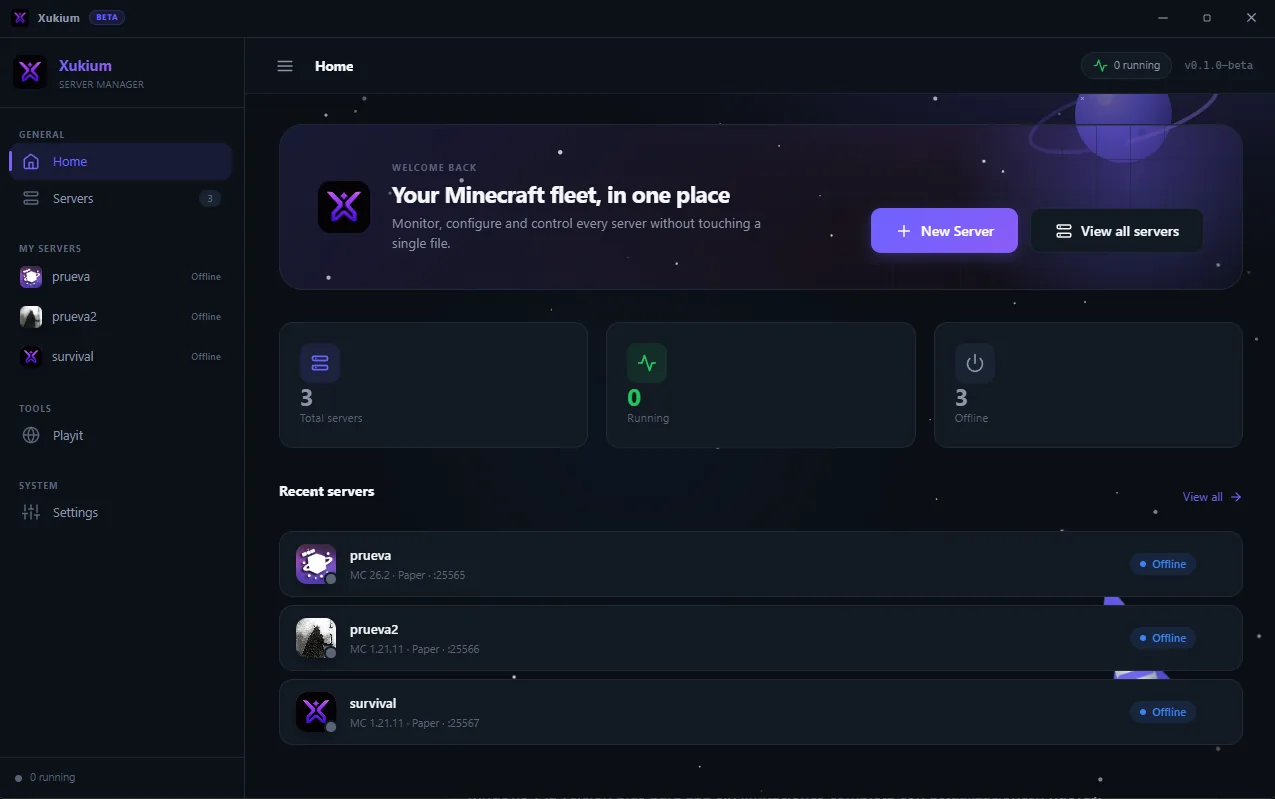
Xukium brings together in one interface the tools that usually mean editing files, opening consoles and searching for mods separately: server creation and configuration, player management, backups, worlds and more.
It is built for players, communities, content creators and administrators who want to control their own environment without depending on an external hosting provider.

Install Xukium on Windows and sign in with your free account.
Pick a name, version and type, and adjust options from the interface.
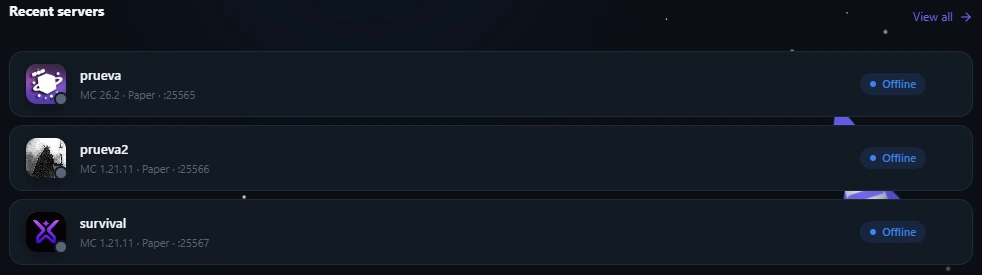
Run the server, watch its status and manage players and backups.
Features marked Plus are part of the paid subscription. The status of each one is clearly shown.
Create, start, stop and monitor your Minecraft servers from a centralized interface. The Free plan includes 1 server; Plus, up to 6.
Adjust server properties from forms instead of editing text files by hand.
Manage operator (OP) permissions, whitelists and bans visually, without typing commands.
Schedule backups and restore previous versions of your server.
Find and install compatible mods and plugins through the Modrinth integration.
Make it easier for friends to connect to your local server through playit.gg, often without opening router ports.
Set up a world for you and your friends with no technical knowledge.
Organize players, whitelists and backups in a single panel.
Prepare servers for your series, streams and projects.
Control several servers and their performance from one interface.
Xukium manages servers that run on your computer. Their performance, capacity and availability depend on your hardware, your Internet connection, your network setup and the mods or plugins you install. Xukium is not a hosting service and does not guarantee permanent availability.
Two options: Free and Plus. Cancel the renewal whenever you want.
Create and manage one server at no cost.
All the tools, billed every month.
Billed monthly. Renews until you cancel.
All the tools with yearly savings.
Billed once a year. Works out to ≈ $4.42/mo (you save ≈ 12% versus monthly).
Plus purchases will be enabled shortly. Create your free account and we'll see you in the app.
Prices in USD. Applicable taxes (VAT or sales tax) may be added depending on your country and are shown before you pay.
Xukium is a Windows desktop application that simplifies creating, configuring, running and managing Minecraft servers hosted locally on your computer.
There is a free tier (Free) that lets you manage 1 server. Xukium Plus is a paid subscription (USD 4.99/month or USD 52.99/year) with up to 6 servers and additional tools.
No. Servers run on your computer. Their performance and availability depend on your hardware, your Internet connection and your network setup.
You can open your server's port on your router or, with Plus, use the playit.gg integration to create an access tunnel. The outcome depends on your network and on external services.
For now Xukium is only available for Windows.
No. Xukium is an independent project and is not affiliated with, endorsed by or sponsored by Mojang Studios or Microsoft. Minecraft is a trademark of its respective owners.
Free to start. No credit card required.